BlogCase Studies
How Bridge Copilot Helps Me Save Up to 2 Hours a Day as a Customer Success Manager

Anastasia SCustomer Success Manager
5 min read

Customer Success Is Constant Context Switching
Catching Up on Discussions in Minutes Instead of Hours
One of the most useful features for me has become Bridge Copilot’s ability to generate summaries of threads and entire channels.
Instead of manually scrolling through hundreds of messages after meetings or across multiple active team discussions, I can simply ask Copilot for a summary of a thread or recent channel activity and instantly get the key context, decisions, blockers, and action items.
This became especially valuable when several teams are communicating simultaneously. What previously could take 30–40 minutes of catching up now takes less than a minute, while also reducing a huge amount of mental overload and context switching.
Turning Conversations Into Tasks Automatically
Another thing I use constantly is task creation directly from conversations.
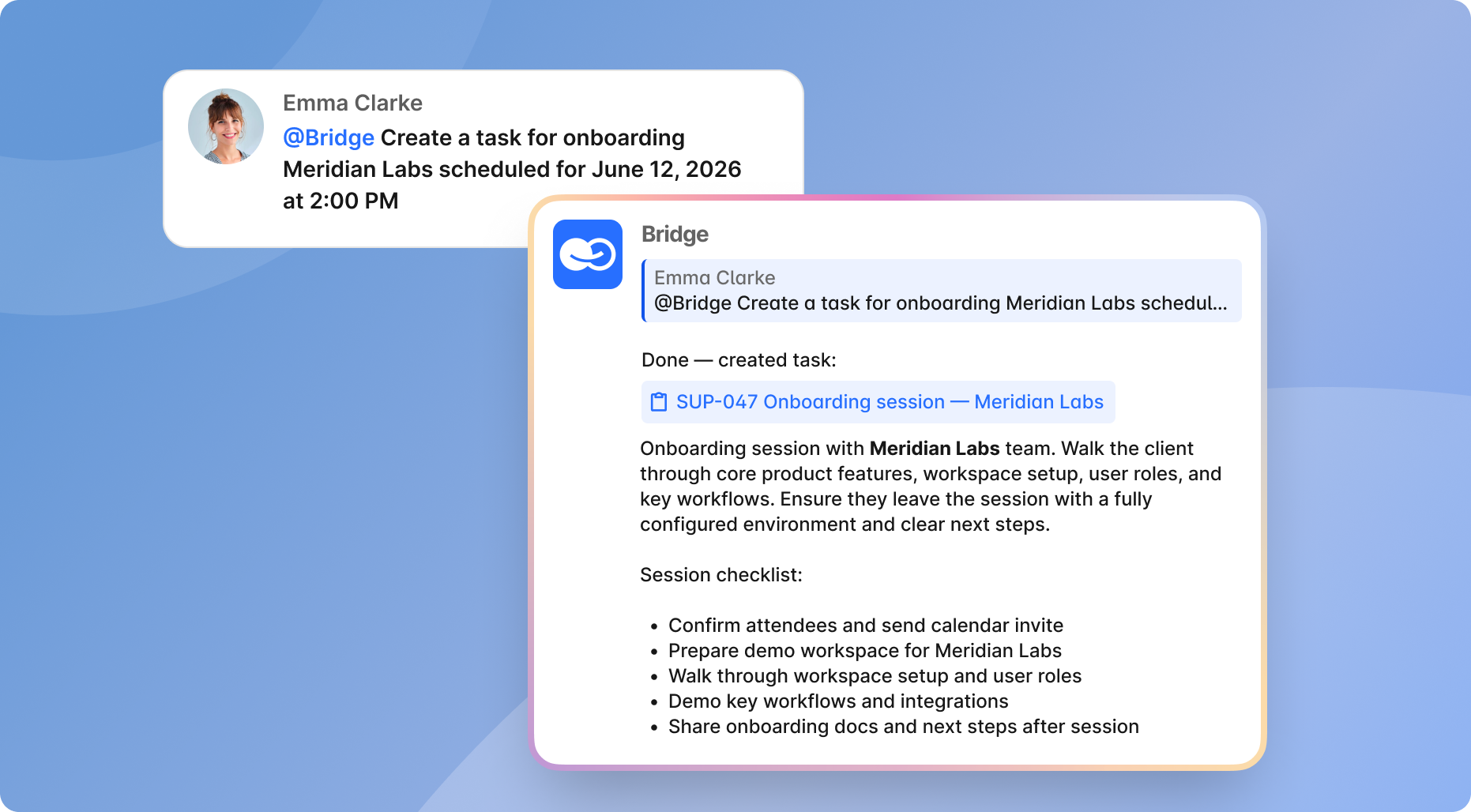
Customer success work often involves turning discussions into actions: a client reports a bug, requests a feature, or asks for onboarding materials. Previously, this meant manually opening the project board, creating a task, copying context, and writing descriptions.
Now Copilot can generate structured tasks directly from chat discussions and add them to the board within seconds.
It removes the friction between “we discussed this” and “this is now properly tracked.”
Writing Emails and Client Communication Faster
A large part of my day is writing:
- follow-ups,
- onboarding emails,
- release updates,
- client explanations,
- and internal notes.
Instead of starting every message from scratch, I use Copilot to prepare drafts, structure information, or rewrite technical explanations into something clearer and more client-friendly.
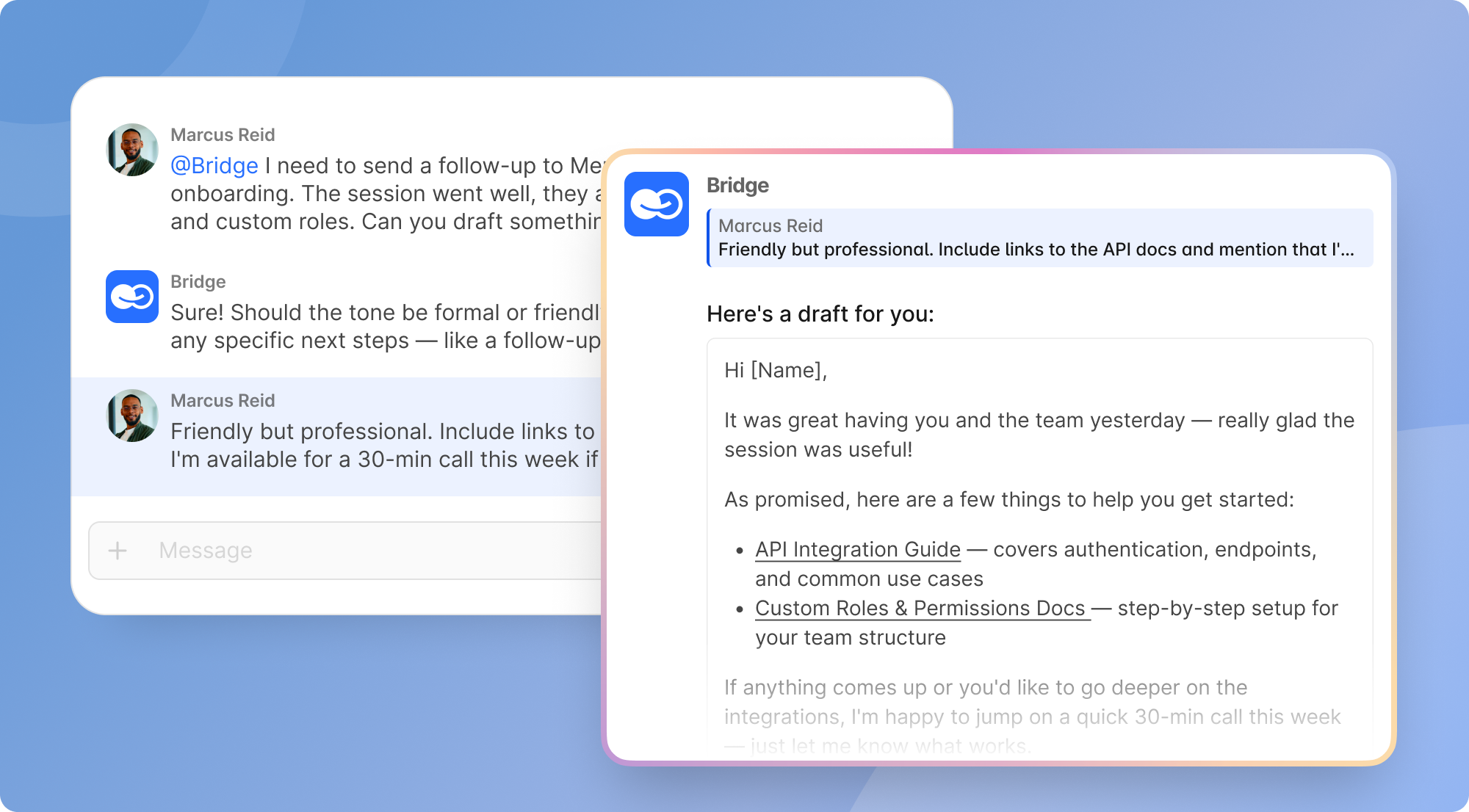
I still personalize everything myself, but the drafting process becomes dramatically faster.
Especially when you send dozens of messages every day, that time adds up very quickly.
Better Coordination With Internal Teams
Customer support and onboarding teams constantly sit between clients and developers, which means translating requests, clarifying technical details, organizing feedback, and keeping everyone aligned.
Copilot helps structure messy conversations into concise summaries, documents, or clear action points that are much easier to work with.
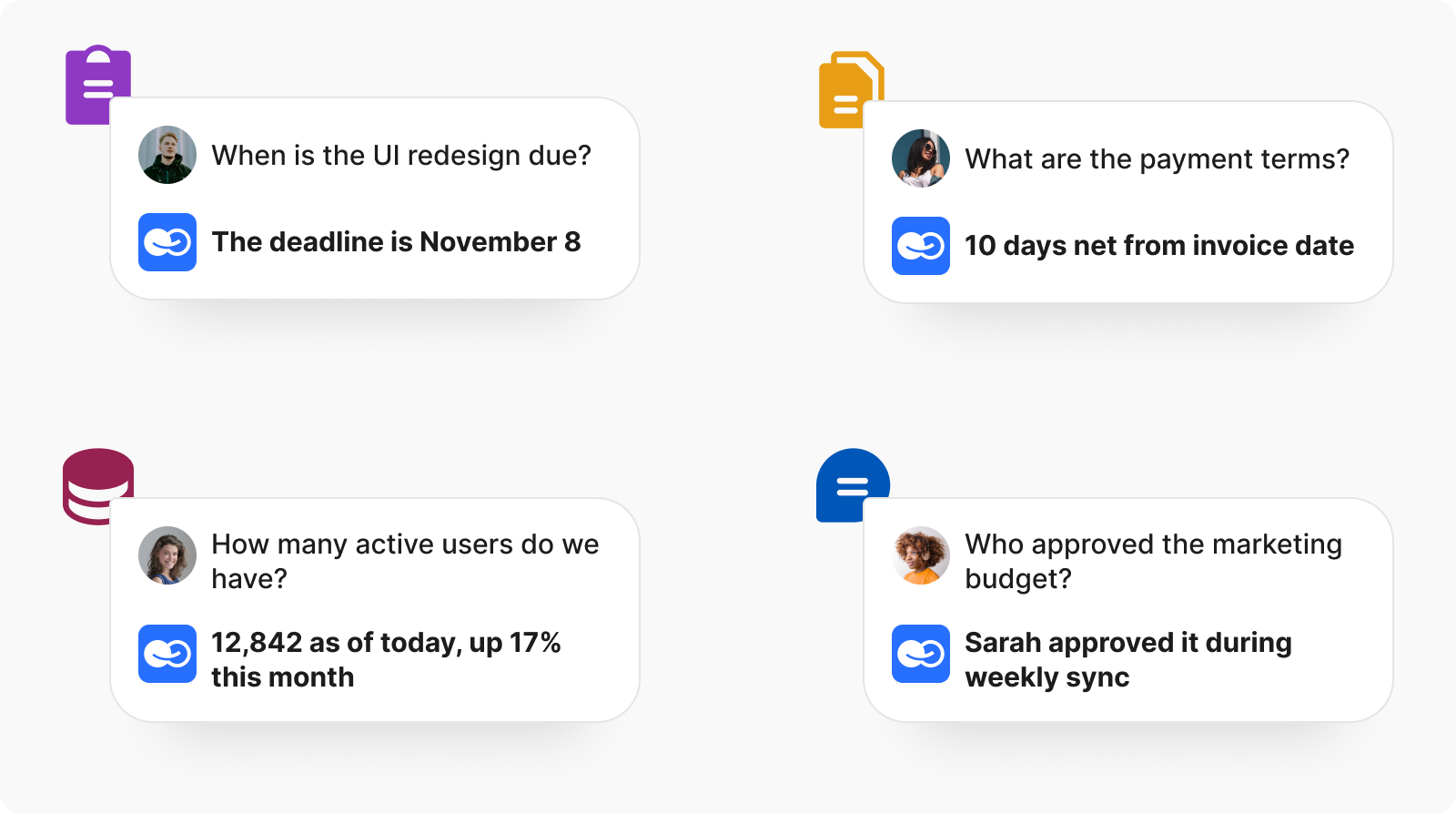
Instead of manually collecting context from different chats, I can quickly prepare structured updates for product or engineering teams without spending extra time organizing everything myself.
Everything Lives in One Workspace
What I personally value most is that all of this happens inside the same workspace.
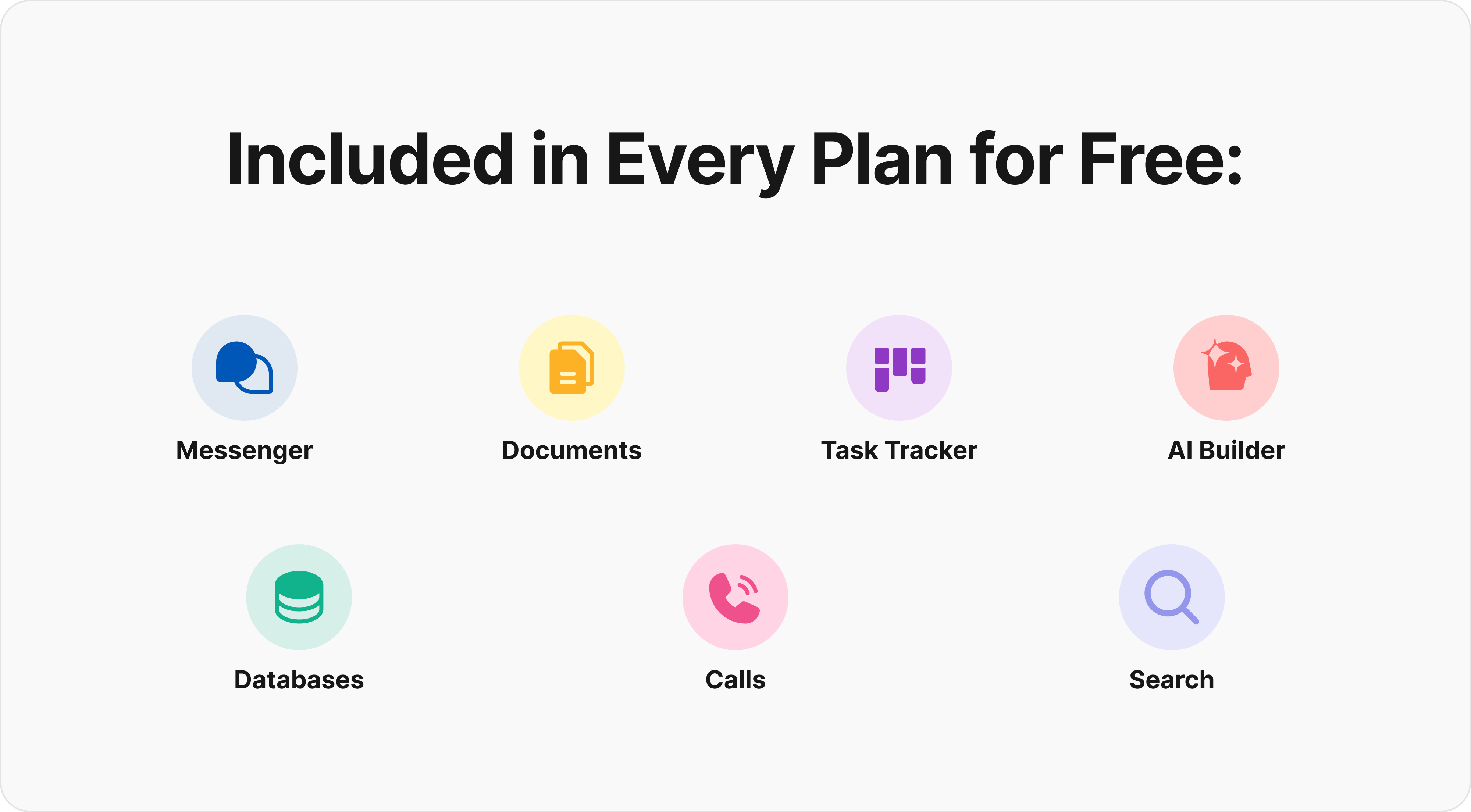
Chats, tasks, documentation, AI agents, project boards, and communication are all connected. I don’t need to jump between multiple tools just to understand context or move information from one place to another.
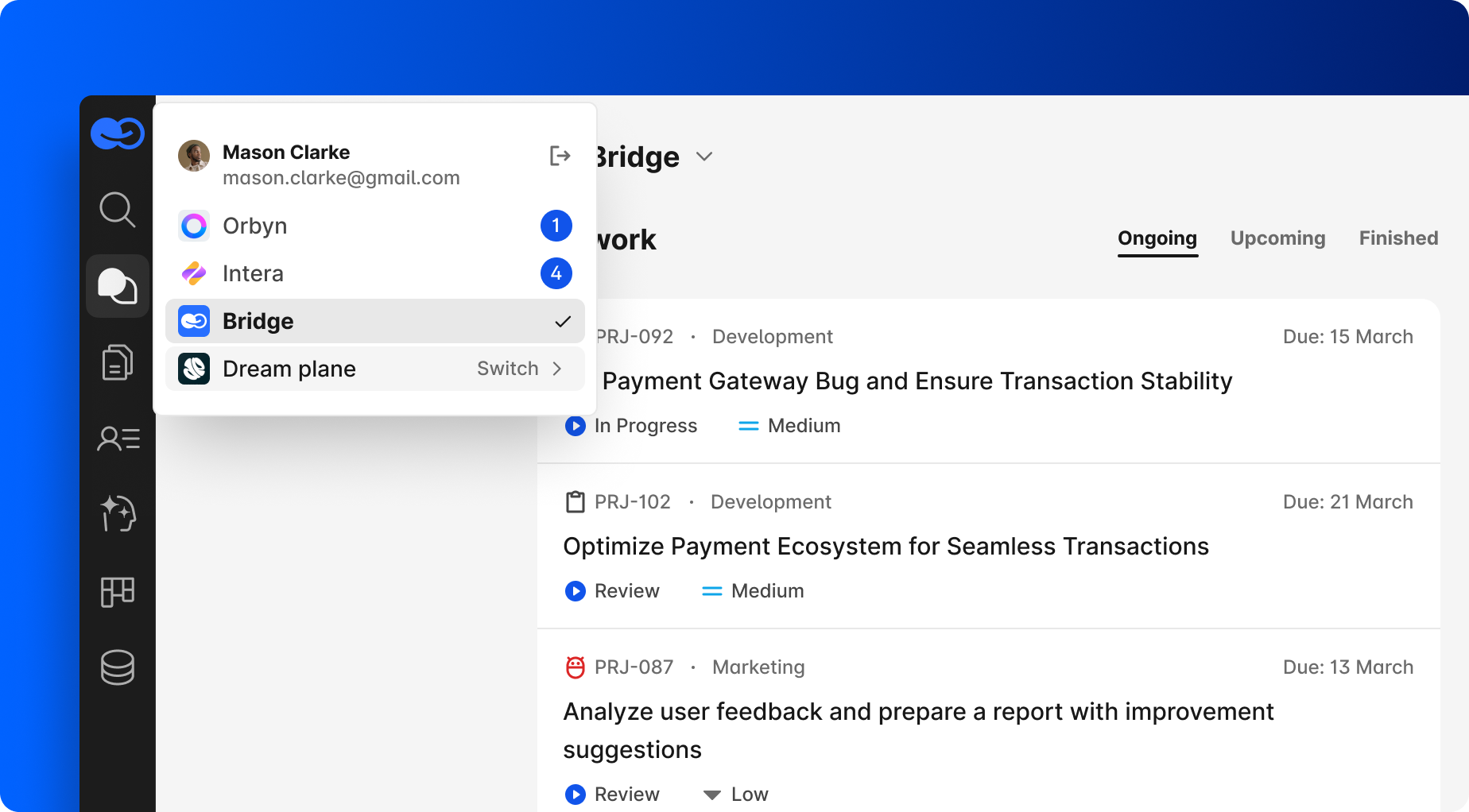
That reduction in context switching alone makes a huge difference during busy days.
Where the Real Time Savings Come From
The biggest productivity boost doesn’t come from one “magic AI feature.”
It comes from eliminating constant micro-tasks throughout the day: searching for context, rewriting information, manually creating tasks, catching up on long discussions, or switching between applications.
Individually, these actions take only a few minutes. Together, they easily turn into hours.
For me, that’s where AI becomes genuinely useful — not as a separate tool you occasionally open, but as something integrated directly into the workflow and helping quietly in the background throughout the day.